
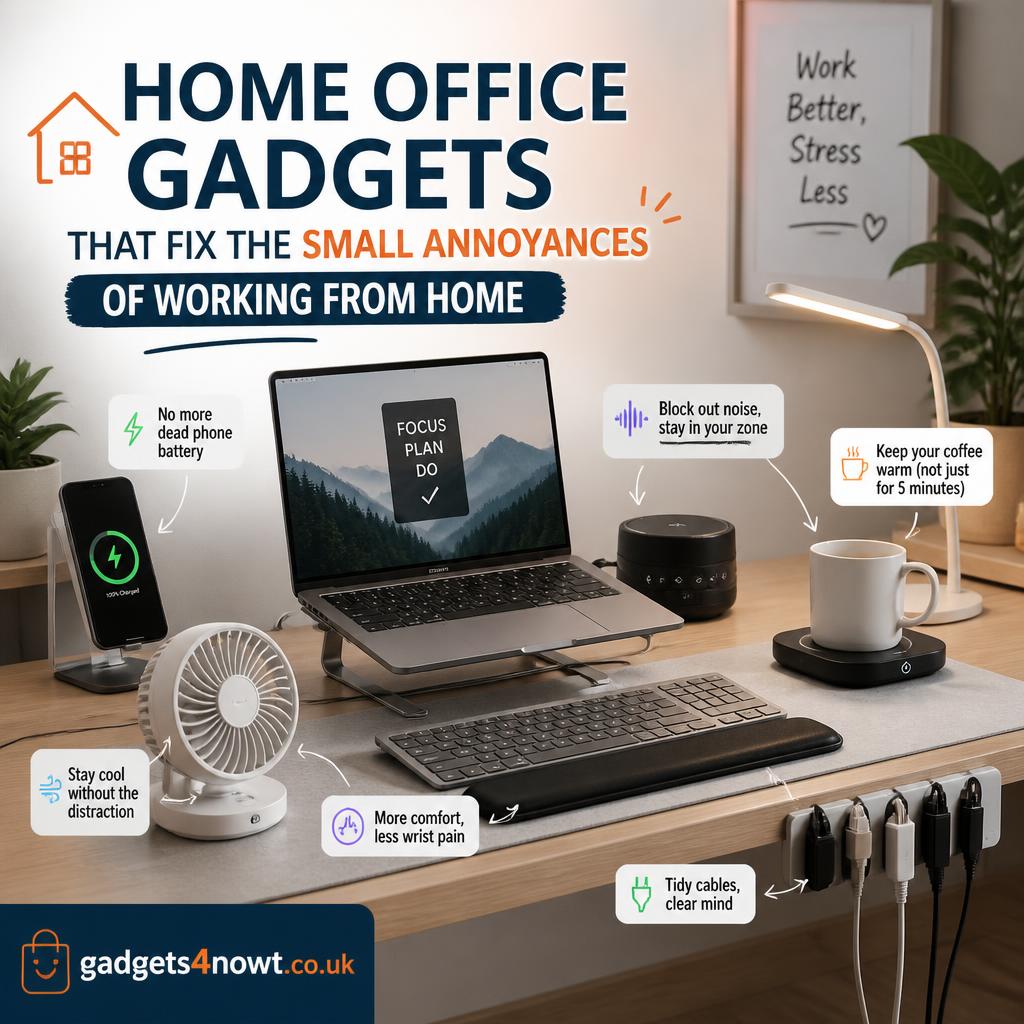
Home office gadgets rarely fix one dramatic problem. It’s usually death by a thousand small annoyances instead — a wrist that aches by 3pm, cables tangled under the desk, a webcam angle that makes every video call unflattering. None of these are big enough to fix urgently, so they pile up for months.
This list is organized around specific annoyances, not a generic “best gadgets” roundup. Find the problem that sounds familiar and skip straight to the fix.
Problem: your wrist or back hurts by mid-afternoon
An ergonomic mouse — vertical grip or trackball style — changes the angle your wrist sits at. That’s usually the actual source of repetitive strain, not the mouse’s shape itself. Pair it with a standing desk converter if a full standing desk isn’t in the budget. It sits on top of your existing desk and lets you switch between sitting and standing without a full furniture overhaul.
A monitor arm is the most overlooked fix in this category. Raising your screen to eye level does more for neck strain than almost any other single change. For general ergonomics guidance, OSHA’s ergonomics resources are a solid reference point.
Problem: video calls look and sound bad
A monitor light bar clips to the top of your screen and lights your face without adding desk clutter or the harsh shadows a desk lamp creates. It also means one less step before every call — no more scrambling to find good lighting.
For audio, a basic USB condenser microphone solves the “can you hear me okay?” problem better than any built-in laptop mic ever will. Most plug-and-play options need zero setup.
Problem: your desk looks like a cable graveyard
A cable organizer — whether it’s a simple under-desk tray or a set of adhesive clips — is one of the cheapest fixes on this list with one of the biggest visual impacts. Beyond looks, tangled cables make it harder to trace a problem when something stops working, which is a bigger time cost than it sounds.
A desktop charging hub consolidates phone, earbuds, and laptop chargers into a single unit. That cuts down on the tangle of separate cables running to the same power strip.
Problem: the room feels stale by lunchtime
A small desk humidifier — often combined with a plant pot design — helps in dry, air-conditioned rooms where static and dry eyes become a daily irritation. It’s a minor gadget, but for anyone in a climate-controlled office all day, the difference is noticeable within a week.
Problem: you lose track of time between tasks
A physical desk timer — the kind you twist rather than tap on a phone screen — sounds almost too simple to matter. But removing your phone from the equation removes a notification rabbit hole along with it. Time-blocking with a visual, tactile timer tends to stick better than an app that’s one swipe away from a distraction.
Building your home office gadget setup gradually
You don’t need to buy everything on this list in one order. A sensible sequence: fix physical strain first (mouse, monitor arm), then call quality (light bar, microphone), then the smaller quality-of-life items (cable management, humidifier, timer). If your afternoons need a reset button too, our guide to meditation gadgets covers a few desk-friendly options for short breaks. Each fix here solves a specific annoyance rather than promising a total home office transformation — and that’s exactly why they tend to actually get used.